
Why We Built 248 Browser Tools That Never Upload Your Files
The engineering case for client-side processing: why privacy, cost and speed all point the same way, how WebAssembly and canvas make it possible, and where it honestly breaks down.
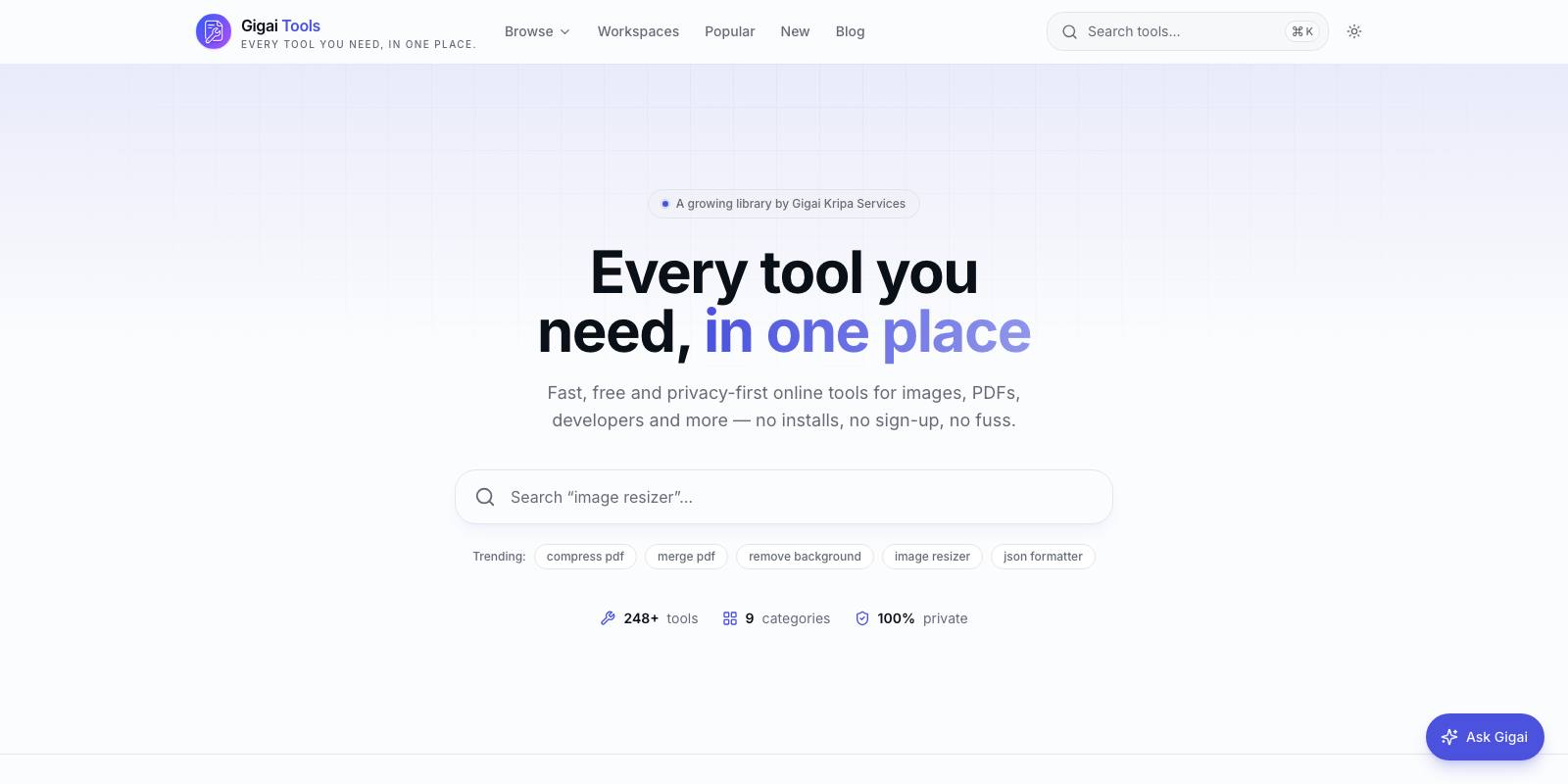
Every "free online PDF converter" you have ever used works the same way: you upload your file to someone's server, their backend processes it, and you download the result. Somewhere in that loop, your contract, your bank statement, your unreleased design sits on a machine you do not control, governed by a privacy policy you did not read. We decided our tools platform would not work that way. Every one of the 248+ tools on Gigai Tools — PDF editors, image compressors, QR generators, SEO analysers — runs entirely in the browser. Files never leave the device. There is no upload button because there is no upload.
This was not a marketing decision that engineering then had to survive. It was an engineering decision that turned out to be the best marketing we never had to do. After building this many tools on the architecture, we are convinced client-side processing is where most utility software is heading, and we want to lay out the honest case: what it wins, how it actually works, and where it genuinely cannot compete.
Privacy you can verify, not privacy you have to trust
The standard SaaS privacy story is a promise: "we delete your files after one hour." You cannot verify that. You cannot verify their logging, their backups, their subprocessors, or whether an engineer can browse the upload bucket. With client-side processing, the privacy story is a fact about physics: open the network tab in your browser's dev tools while using the tool, and you will see zero requests carrying your file. The proof is inspectable by anyone, which is a fundamentally different trust model.
This matters more than it used to. Legal teams now routinely ask where documents go. GDPR, CCPA and a growing family of privacy laws make every server that touches personal data a liability surface. A tool that never receives the data has nothing to breach, nothing to subpoena, nothing to leak, and almost nothing to declare. For users handling salary slips, medical reports or client contracts — which is most real-world document work — that is the whole ballgame.
The economics are absurd in our favour
Here is the part founders underestimate. A server-side file tool pays four times per use: bandwidth in, compute, storage, bandwidth out. Cloud egress alone runs around 8 to 9 US cents per gigabyte on the big providers. A modestly popular PDF tool pushing a few terabytes a month is burning real money before it earns anything — which is exactly why every free converter site is wallpapered with ads and upsells to a paid tier.
Our marginal cost per use is effectively zero. We serve static JavaScript and WebAssembly bundles once, they get cached by the browser and the CDN, and then a user can compress five hundred images without costing us another cent of compute. The user's own laptop does the work — hardware they already paid for, sitting mostly idle. This is why we can keep 248 tools free without rate limits, accounts, or file-size upsells: the architecture removed the cost that forces everyone else to monetise aggressively.
Speed: the network was always the bottleneck
For typical utility work, the round trip is the slowest part. Uploading a 40 MB PDF on an average home uplink takes longer than any server needs to actually rotate its pages. Client-side, the "upload" is instant because it is just a file read into memory, and processing starts immediately. Compressing a 5 MB photo happens in well under a second on a mid-range phone. There is no queue, no cold start, no "your file is being processed" spinner that is really a job scheduler.
The counterintuitive result: for files under roughly 100 MB — which covers the overwhelming majority of documents, images and design assets — a browser tool on a five-year-old laptop beats a server tool on fast cloud hardware, simply because the bytes never travel.
The engines: WebAssembly, canvas, and workers
None of this would be practical without three browser capabilities maturing at once.
- WebAssembly lets us run battle-tested C and Rust libraries at near-native speed. Codecs, PDF renderers, compression algorithms — decades of engineering, compiled to run in a sandbox on any device.
- The canvas API (plus OffscreenCanvas) is our image pipeline: decode, resize, filter, composite, re-encode, all GPU-assisted where the browser allows.
- Web Workers keep heavy processing off the main thread, so a 200-page PDF parse does not freeze the UI. Every serious tool we ship runs its engine in a worker.
In practice we layer libraries: pdf.js for rendering PDFs, pdf-lib for writing them, jsQR and styling engines for the QR studio, and our own shared "engine" modules so thirty developer tools reuse one parsing and formatting harness instead of thirty copies. The discipline that matters is treating the browser as a real runtime with real constraints — memory budgets, GPU texture limits, mobile Safari quirks — not as a thin shell in front of a server.
What client-side honestly cannot do
We would not trust this article if it skipped this section, so here it is, unvarnished.
- Memory ceilings are real. A browser tab realistically gets 1 to 2 GB before things get unstable, so multi-gigabyte video transcoding or 5,000-page PDF merges are out. Server tools with 64 GB of RAM win there, full stop.
- Mobile browsers are stricter. iOS Safari caps canvas sizes aggressively, and we have hit hard GPU texture limits (16,384 px) that forced us to redesign features. What works on a desktop Chrome tab can crash a phone.
- Anything requiring server truth is impossible: sending email, crawling other websites past CORS, scheduled jobs, shared team workspaces, or heavyweight OCR and AI models that simply do not fit in a reasonable download.
- Bundle weight is a tax. A full ffmpeg build compiled to WebAssembly is a 25 to 30 MB download. We constantly trade capability against first-load time, and sometimes the honest answer is "this tool should not exist in a browser."
- Fidelity edge cases bite. Browser PDF text editing, for example, cannot perfectly re-embed every exotic font; we cover the common cases and say so on the page rather than pretend otherwise.
Our rule: if a tool cannot do the job properly client-side, we do not ship a degraded version and hide the limitation in fine print. We either solve it within the constraints or we skip the tool.
Why this architecture wins from here
Every trend line favours the client. Consumer devices keep getting faster while cloud egress pricing barely moves. WebGPU is opening the door to serious on-device ML — background removal, upscaling, transcription — without a single byte uploaded. Regulators keep raising the cost of holding user data, and users keep getting savvier about where their files go. Meanwhile the developer experience has crossed the threshold: shipping a WebAssembly-powered tool today is not much harder than shipping a Node service, and it is dramatically cheaper to operate.
We think the next generation of utility software splits cleanly in two: collaboration and storage stay on servers, because they must; transformation of your own files moves to your own device, because it should. We built Gigai Tools as a long bet on that split. Two hundred and forty-eight tools in, with zero file-storage bills and zero breach exposure, the bet looks less like a bet and more like the obvious way to build.

Gigai Kripa Services
Web · App · Software · Game studio
See how we put this into practice across our products.
Explore our products →