
WebAssembly in Production: Lessons From Running ffmpeg, OCR and AI in the Browser
We run ffmpeg, Tesseract OCR and AI segmentation models entirely client-side across 248+ browser tools. Here is what actually breaks: loading, memory ceilings, threading headers, and when WASM loses.
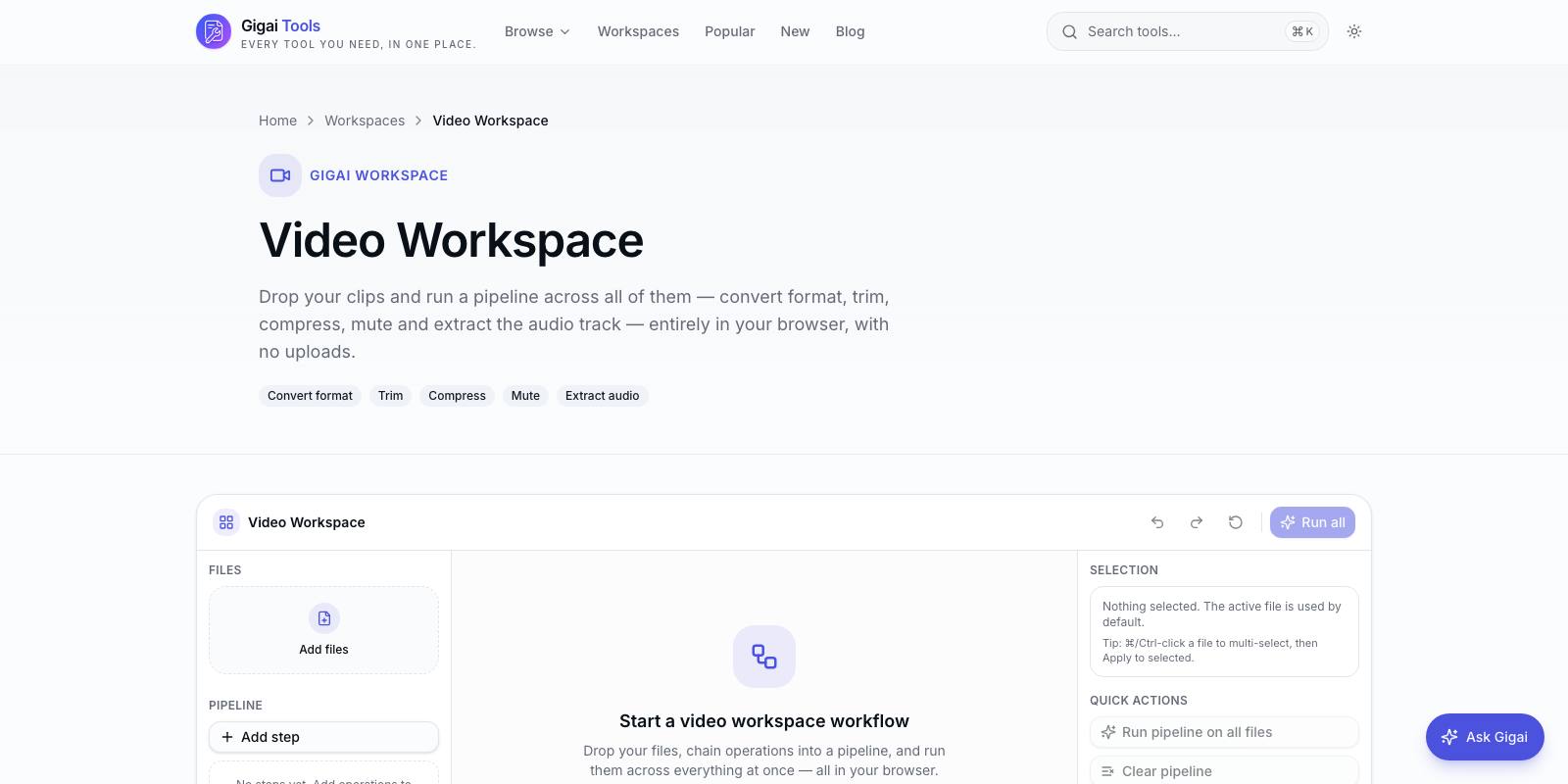
Our tools platform runs some genuinely heavy software inside the browser tab: full ffmpeg builds for video and audio conversion, Tesseract for OCR, and neural segmentation models for background removal. Nothing is uploaded anywhere — the file never leaves the device. That privacy promise is only possible because of WebAssembly, and after shipping it across 248+ tools on Gigai Tools we have a fairly unromantic view of what WASM is good at and where it quietly falls over.
The demos you see at conferences are real, but they are demos. Production is different: a user on a four-year-old Android phone drops a 900 MB screen recording onto your converter and expects it to work. The gap between "ffmpeg compiles to WASM" and "ffmpeg works for strangers on hardware you cannot see" is where all the interesting engineering lives.
This is a field report from that gap — loading strategies, the memory wall, the threading trap, and the cases where we deliberately chose not to use WASM at all.
The payloads are enormous, so loading strategy is the product
The single-threaded ffmpeg core we ship is roughly 25 MB of WASM. Tesseract needs its core plus a language file — English trained data alone is around 10 MB in the standard variant. Our segmentation model, a quantized ONNX network for background removal, is about 40 MB. Compare that to a typical JavaScript bundle budget of 200 KB and you understand why loading is not a detail; it is the main design problem.
Three rules got us to acceptable numbers. First, never put WASM in the app bundle. Every heavy engine loads lazily, after the page is interactive, and ideally only when the user's intent is confirmed — we start fetching the ffmpeg core when a file lands in the drop zone, not on page load. Second, use WebAssembly.instantiateStreaming so compilation overlaps with the network transfer instead of waiting for the full download. This requires the server to send the correct application/wasm content type, which is the kind of thing that silently fails on misconfigured CDNs and costs you seconds. Third, cache aggressively. A 25 MB engine fetched once and served from the browser cache (or the Cache API, which gives you explicit control) makes the second visit feel native. Our returning users never re-download a core unless we bump the version.
One more thing that surprised us: showing a real progress bar for the engine download, separate from the file-processing progress, dramatically cut abandonment. Users forgive a 15-second first load if they can see it is a one-time cost. They do not forgive a frozen spinner.
Memory is the wall you will actually hit
WASM today is a 32-bit address space, so 4 GB is the theoretical ceiling — but that number is fiction on real devices. On iOS Safari we treat anything past roughly 1 to 1.5 GB of WASM heap as a crash waiting to happen; the tab gets killed with no error you can catch. Desktop Chrome is more generous but not unlimited.
The killer detail with ffmpeg.wasm is that the input file must be written into the in-memory filesystem before processing starts. So a 500 MB video costs you 500 MB for the input, plus working buffers, plus the output file accumulating in the same heap. You can easily need 3x the input size. Our practical rule: on desktop we warn above 500 MB input for video work, on mobile we warn above 200 MB, and we detect the platform to set those limits rather than letting the user discover them via a dead tab.
Two mitigations helped more than anything clever. We free aggressively — deleting the input from MEMFS the moment ffmpeg has consumed it where the operation allows, and destroying the whole WASM instance between jobs instead of reusing it, because fragmented WASM heaps never shrink. And for multi-file batches we process strictly sequentially. Parallel jobs in one tab is how you multiply your peak memory by the batch size.
Threads: the SharedArrayBuffer trap
Multithreaded WASM needs SharedArrayBuffer, and SharedArrayBuffer needs cross-origin isolation — the COOP and COEP headers on your document. Turn those headers on and every third-party resource on the page must cooperate: analytics scripts, embedded fonts, any iframe. Most do not. You end up choosing between a faster ffmpeg and a working website.
We chose single-threaded cores for most tools, and we would make the same call again. The multithreaded ffmpeg core is meaningfully faster on long transcodes — often 2 to 3x on a modern laptop — but single-threaded WASM ffmpeg is already fast enough for the jobs people actually bring to a browser tool: trimming a clip, extracting audio, converting a format. The operational cost of cross-origin isolation across a large multi-tool site was not worth it. If you run a single dedicated app page with no third-party embeds, take the threads; COEP credentialless mode also softens the pain in Chromium browsers, though Safari support has lagged.
The one thread you must always use is a Web Worker. Never run a WASM engine on the main thread. Even single-threaded ffmpeg inside a worker keeps the UI alive, lets you stream progress messages back, and — critically — lets you terminate a runaway job by killing the worker, since WASM gives you no other cancellation mechanism.
OCR and AI models have their own personalities
Tesseract was the easiest of the three to productionise, with one caveat: image preprocessing matters more than the engine. Feeding it a raw phone photo of a document gives mediocre text; a quick grayscale, contrast stretch and scale-to-300-DPI pass in a canvas before OCR improves accuracy more than any Tesseract setting. Also load only the language the user needs — every trained-data file is another multi-megabyte download.
The segmentation models taught us to respect quantization. Our background remover originally used a full-precision model near 170 MB; the int8-quantized version is about 40 MB with visually indistinguishable output for the photos people actually upload. If you are shipping ONNX models through onnxruntime-web, quantize first and ask questions later. And benchmark the WASM execution provider against WebGPU where available — for convolution-heavy models, WebGPU is often several times faster, with WASM as the universal fallback.
When WASM is the wrong choice
We say no to WASM regularly, and these are the patterns.
- When the browser already has a native API. WebCodecs decodes and encodes common video formats using the hardware encoder — for a plain H.264 transcode it embarrasses ffmpeg.wasm on both speed and battery. We reach for ffmpeg only when we need its filters, muxers or exotic formats.
- When plain JavaScript is within 2x. JIT-compiled JS is fast; porting a string or JSON transformation to WASM buys you complexity and a payload, not speed.
- When files exceed the memory story. Multi-gigabyte video editing does not belong in a 32-bit heap. That is a native-app or server job, and pretending otherwise produces crashed tabs and angry users.
- When the model is simply too large. If the quantized weights are still 500 MB, no loading strategy saves you; serve it from a GPU backend.
- When you need guaranteed throughput. Client hardware is a lottery. Batch pipelines with SLAs belong on machines you control.
What we would tell a team starting today
Treat the WASM engine as a remote dependency with a download cost, not a library. Put it in a worker on day one. Set explicit file-size limits per platform and enforce them before processing starts, not after the crash. Ship the single-threaded build unless you own every byte on the page. Quantize your models. And keep an honest list of jobs you refuse — the fastest way to lose trust in a client-side tool is letting it attempt something the platform cannot deliver.
Running ffmpeg, OCR and neural networks in the browser felt like a stunt in 2021. In 2026 it is simply an architecture choice with known costs: bandwidth up front, memory ceilings, and a threading tax. Pay those costs deliberately and you get something servers cannot offer — processing where the file already lives, at zero marginal cost per user, with privacy that is structural rather than promised. That trade has been worth it for us on the vast majority of tools we ship.

Gigai Kripa Services
Web · App · Software · Game studio
See how we put this into practice across our products.
Explore our products →