
Static-First Architecture: Serving 1,000 Pages Fast From a Tiny Server
How we run a 1,000-page tools platform on a shared EC2 box with almost no free RAM — static export, edge caching, code-splitting discipline, and the real Core Web Vitals numbers.
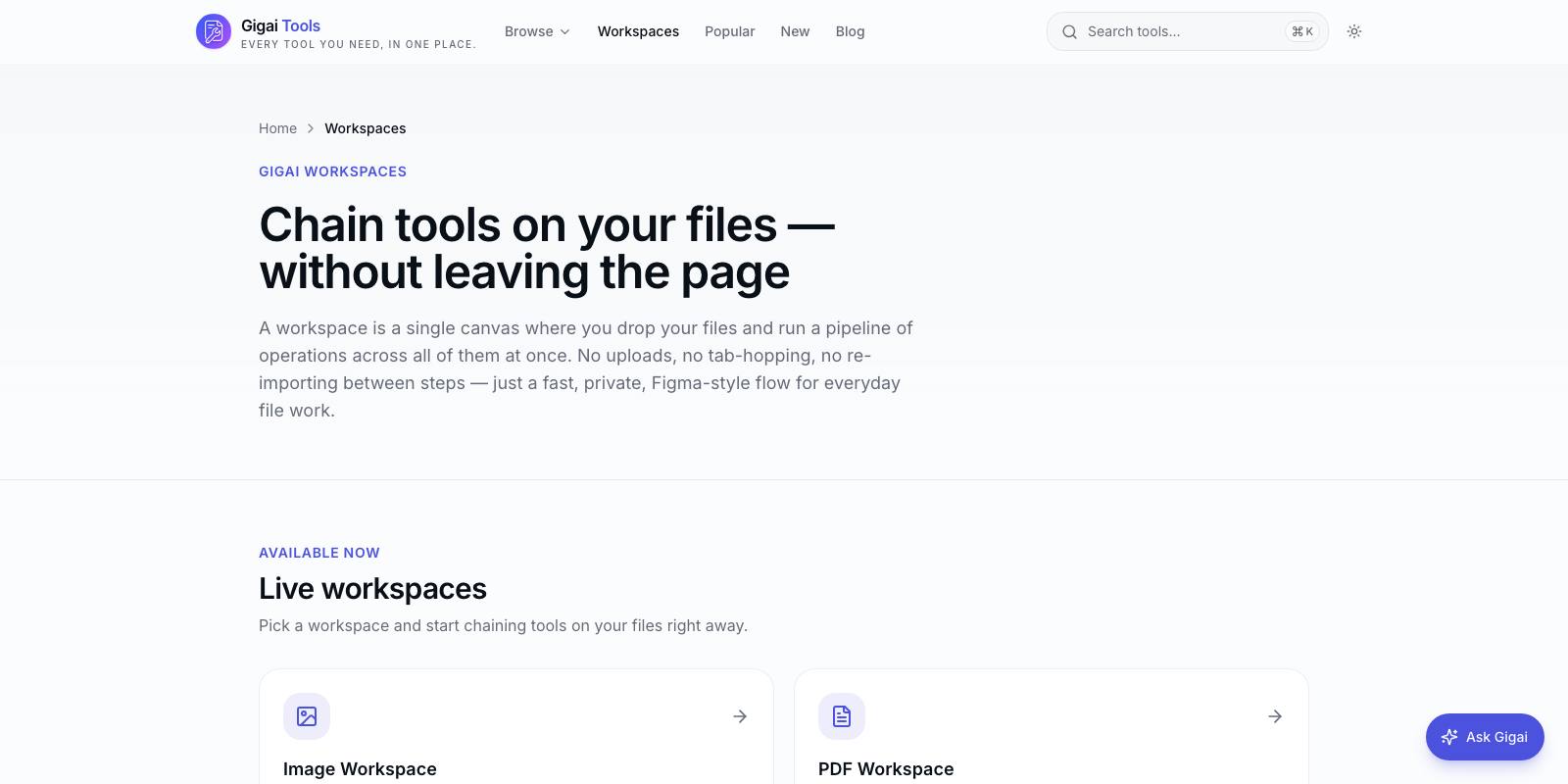
When we launched our Gigai Tools platform, the deployment target was not a Kubernetes cluster or a serverless fleet. It was the same small EC2 instance that already hosts our studio site and two other Django projects — a box with about 600 MB of free disk and, at the moment we deployed, roughly 75 MB of free RAM. Running a Node server for a Next.js app on that machine was simply not an option. The process would have been OOM-killed within hours.
So we made a decision that sounds like a constraint but turned out to be an upgrade: the entire platform — over 1,000 pages of tools, category hubs, blog articles and search — ships as static files. No Node runtime, no SSR, no per-request compute. nginx serves flat HTML from disk, Cloudflare caches it at the edge, and the browser does the actual work.
This article is the engineering case for static-first: what we gave up, what we measured, and the honest list of situations where you genuinely still need a server.
Why static was the right default, not a compromise
The platform is a collection of browser-based tools — image compression, PDF editing, QR generation, developer utilities. Every tool page is identical for every visitor. There is no personalization, no session state, no user database, because our core product rule is that files never leave the device. When every user gets the same bytes, rendering those bytes per-request on a server is pure waste. You are paying CPU and memory to recompute a result you could have computed once at build time.
Next.js makes this a one-line switch: output "export" in the config. The build produces a folder of plain HTML, CSS and JS (about 82 MB for our 1,000+ routes) that any web server can host. Deployment is a single rsync. There is no service to restart, no process to monitor, no memory ceiling to hit at 3 a.m. If nginx is up, the site is up.
The operational simplicity compounds. A static site cannot leak memory, cannot be exploited through a server-side request, and cannot go down because a dependency threw an unhandled rejection. Our attack surface is nginx plus Cloudflare, both of which are boring in the best sense.
What static export actually costs you
Honesty matters here, because the static-export blog posts you read rarely list the casualties. Ours were real.
- Per-page dynamic Open Graph images had to go. We were generating a unique social card per tool at the edge; static export cannot do that, so we fell back to shared cards. We will restore them when we move OG generation to a CDN worker.
- The search page needed rework. Anything reading URL query parameters at render time is dynamic by definition, so search became a static shell with a small client-side island that reads the query string after hydration.
- robots.txt and the sitemap had to be explicitly forced static at build time.
- Extension-less URLs stop being free. The export writes tool.html, but users visit /tool, so nginx needs a try_files rule that checks the bare path, the .html variant and the directory index in order.
None of these were dealbreakers for a content-plus-tools platform. All of them would be dealbreakers for an app with accounts, dashboards or per-user data. Know which kind of product you are building before you choose.
Edge caching: let Cloudflare be your fleet
A static site behind a CDN turns one tiny origin into a global deployment. Cloudflare proxies everything, so most requests never reach our EC2 box at all. The origin exists mainly to answer cache misses and serve the first request after a deploy.
Two nginx details do most of the heavy lifting. First, everything under the framework's static asset path gets a long-lived immutable cache header — those filenames are content-hashed, so they can be cached for a year without any invalidation logic. Second, HTML gets shorter cache lifetimes so a deploy propagates within minutes. That split — immutable assets, short-lived documents — is the whole caching strategy, and it is enough.
One gotcha that cost us a broken production feature: nginx served .mjs files as application/octet-stream, and browsers refuse to execute dynamic module imports with the wrong MIME type. Our PDF.js worker and the ONNX runtime behind background removal both silently failed. If you serve modern JS bundles from raw nginx, add an explicit MIME mapping for .mjs. Test dynamic imports in a real browser after deploy, not just the homepage.
Code-splitting discipline: the bundle is the product
Static HTML loads fast by default; JavaScript is where static sites go to die. Our tools depend on genuinely heavy libraries — WASM image codecs from the Squoosh project, PDF.js, Tesseract for OCR, TensorFlow for upscaling. Loaded eagerly, any one of these would sink every page on the site.
The discipline we enforce: the shared bundle contains routing, layout and the design system, and nothing else. Every interactive tool UI is mounted through a client-side registry that dynamically imports the component only on that tool's page. Every heavy engine is imported at run time, when the user actually drops a file — not at page load. A visitor reading an article about PDF compression downloads zero bytes of PDF code.
That discipline is what moved our first-load JavaScript from 345 kB to 235 kB — a 32 percent cut with no feature removed. The wins came from three places: pushing library imports from module scope down into the event handlers that use them, breaking a barrel-file import that dragged an entire icon set into the shared chunk, and moving one convenience dependency behind a dynamic import. None of it was clever. All of it was auditing the bundle analyzer output and refusing to accept "it's only 30 kB" ten times in a row.
The layout-shift fix nobody budgets for
Our ugliest metric at launch was Cumulative Layout Shift: 0.46, deep in Google's "poor" band. The cause was entirely self-inflicted — ad slots and images that reserved no space, so content jumped as they loaded.
The fix was mechanical. Every ad placement now renders a placeholder with a reserved min-height at build time, and the ad network's iframe mounts inside that fixed box after hydration; if the slot goes unfilled, it collapses deliberately rather than shifting content mid-read. Every image gets explicit dimensions. CLS went from 0.46 to 0.03 — from failing to comfortably passing — without touching a single feature. If your CLS is bad, it is almost never the framework. It is you not reserving space for late-arriving content.
When you actually do need a server
Static-first does not mean static-only, and pretending otherwise produces worse tools. We run a small FastAPI service for exactly two conversions — PDF to Word and Word to PDF — because LibreOffice on a server produces materially better output than any in-browser approach. Even there, the processing is ephemeral: file in, temp directory, convert, stream back, delete. Nothing persists, and each tool ships a client-side fallback so it degrades rather than dies if the API is unreachable.
That is our test for earning a server: does server-side execution produce a meaningfully better result, or does it just feel more "proper"? Auth, per-user data, payments, real-time collaboration, and heavyweight native binaries clear the bar. Rendering the same HTML for the ten-thousandth time does not.
What we'd tell another team
- Decide per-request versus per-build honestly. If every visitor gets the same page, build it once.
- Treat the shared JS bundle as a budget with a named owner. Ours holds near 104 kB and every addition has to justify itself.
- Reserve space for everything that loads late — ads, embeds, images. CLS is a discipline problem, not a framework problem.
- Put a CDN in front even of a static origin; immutable hashed assets plus short-lived HTML is the entire cache policy you need.
- Keep one narrow, stateless API for the few jobs that genuinely need a server, and give each a client-side fallback.
The result, for us: 1,000+ pages, global response times, effectively zero hosting cost above what we already paid, and a platform at tools.gigaikripaservices.com that survives traffic spikes because there is nothing to overwhelm. The tiny server was the constraint. The architecture it forced is one we would now choose on a big server too.

Gigai Kripa Services
Web · App · Software · Game studio
See how we put this into practice across our products.
Explore our products →