
 Add to Chrome
Profile Reader
One click reads your Upwork title, overview, skills, hourly rate and work history — no manual setup. Runs only when you press Read My Profile.
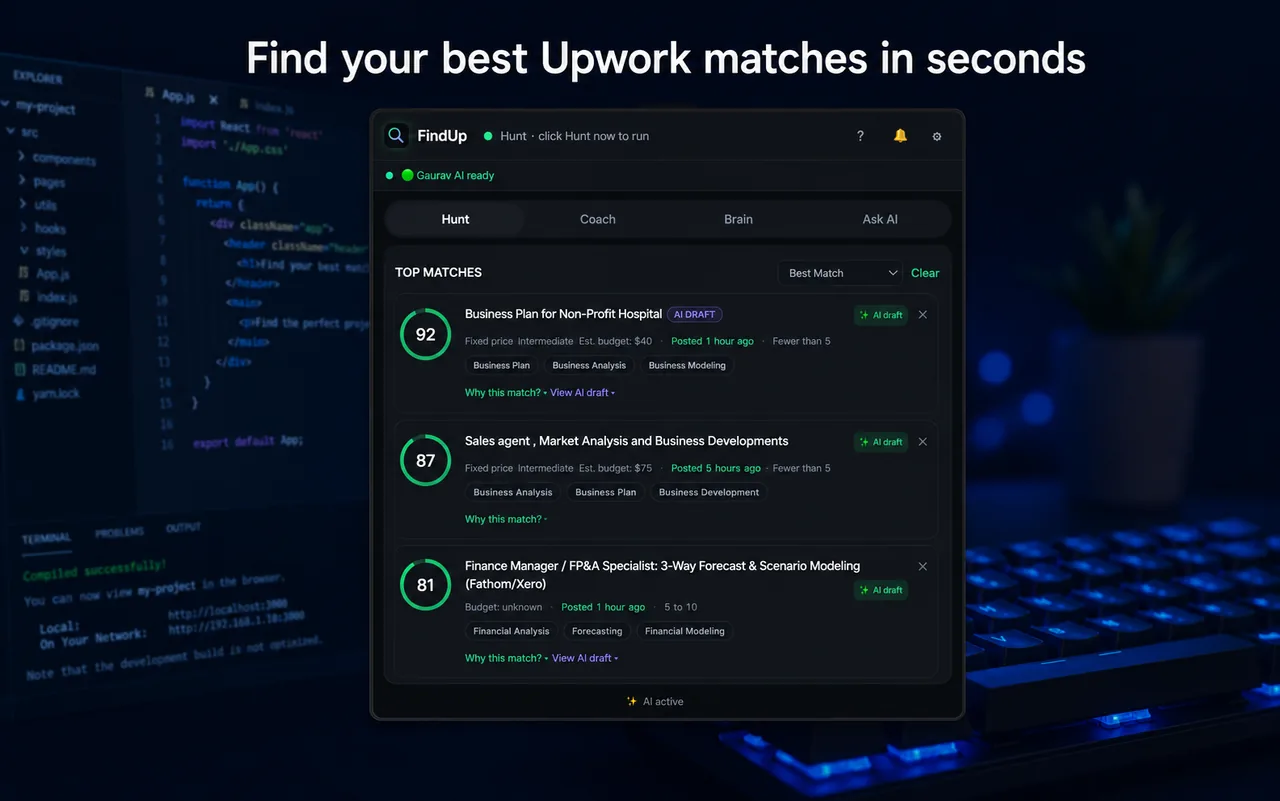
FindUp reads your Upwork profile, surfaces the projects that genuinely fit, and drafts proposals in your voice — all running locally with Chrome's built-in Gemini Nano. No API keys. No cloud. Nothing leaves your computer.
100% private · No backend · No analytics · No third-party AI
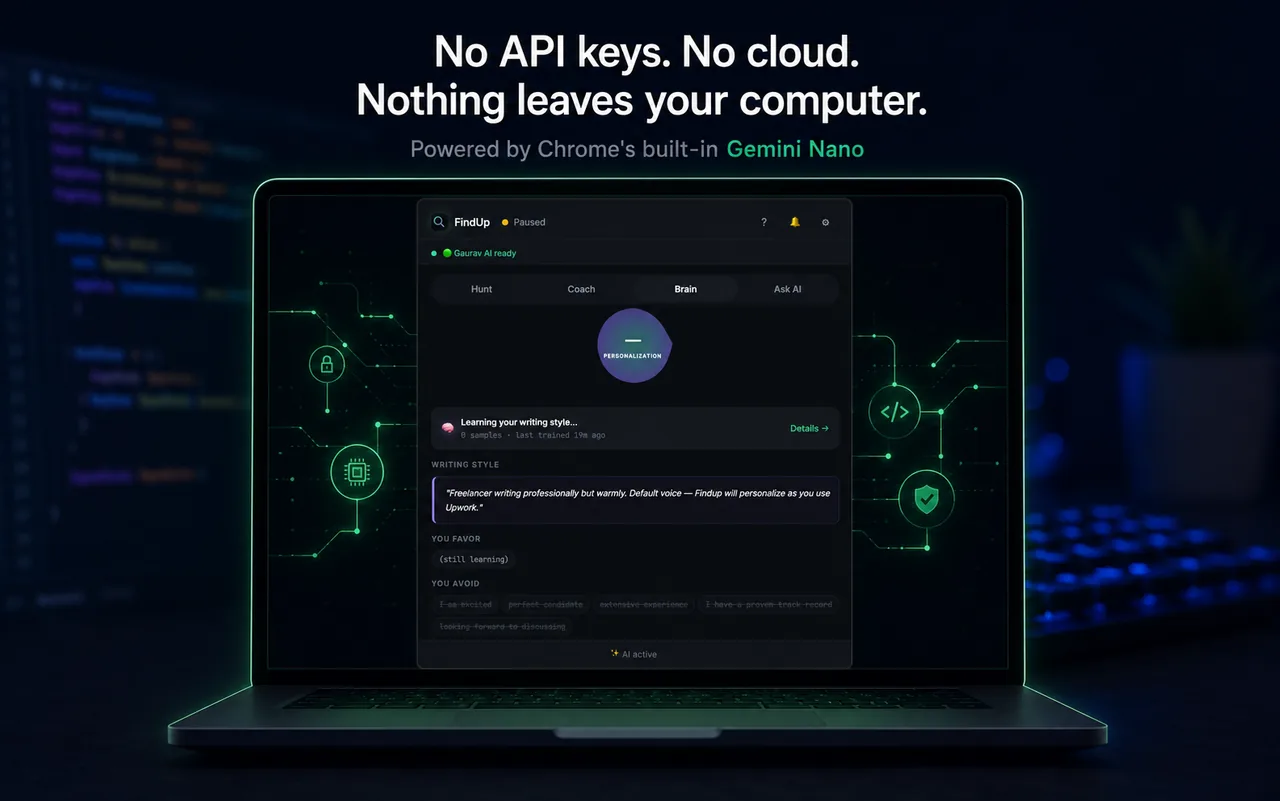
FindUp runs entirely on your machine through Chrome's built-in Gemini Nano. Your
profile, your messages, your proposals and your trained writing-style model all stay
in chrome.storage.local — there is no FindUp server.
Hunt for matches, get coached, train your voice, and ask anything — each tab is a focused local-AI tool.
Scrapes Upwork with up to 8 AI-generated queries, filters out the junk, and ranks the top projects — each with a 0–100 fit score and an explanation.
A 6-step Upwork tutor for new freelancers — proposals, rates, connects, red flags and first reviews — plus weekly insight on your outcomes.
Builds a personal writing-style model from your past proposals and edits — the phrases you favor, the clichés you avoid — so drafts sound like you.
Chat with Gemini Nano about FindUp or your own stored data, paste a portfolio URL to bootstrap a profile — answered on-device, never uploaded.
One click reads your Upwork title, overview, skills, hourly rate and work history — no manual setup. Runs only when you press Read My Profile.
The Writer API drafts a tight, project-specific proposal that opens with a relevant past win, asks one smart question, and closes with availability.
Gemini Nano evaluates each project for genuine fit before scoring — rejecting scams, vague scopes and budget mismatches so you only see real work.
Compress long, rambling client briefs to a clean TL;DR right in the detail view — and tap again to restore the original.
Runs the full pipeline every 20 minutes, respects quiet hours, pauses while you're active on Upwork, and pings you only on genuinely hot matches.
Set minimum rate, fixed-budget floor, payment-verified gate, client-rating floor, max proposal count and red-flag keywords — all configurable.
You stay in control at every step — FindUp never auto-applies or submits anything for you.
One click extracts your skills, rate, overview and work history from Upwork.
Up to 8 AI-built queries run in background tabs to gather fresh job cards.
Rules + local TF-IDF + Gemini Nano rank each match and explain why.
The top 5 are auto-drafted in your voice — read, tweak, copy.
Turn on Hunt Mode and get pinged the moment a hot match appears.
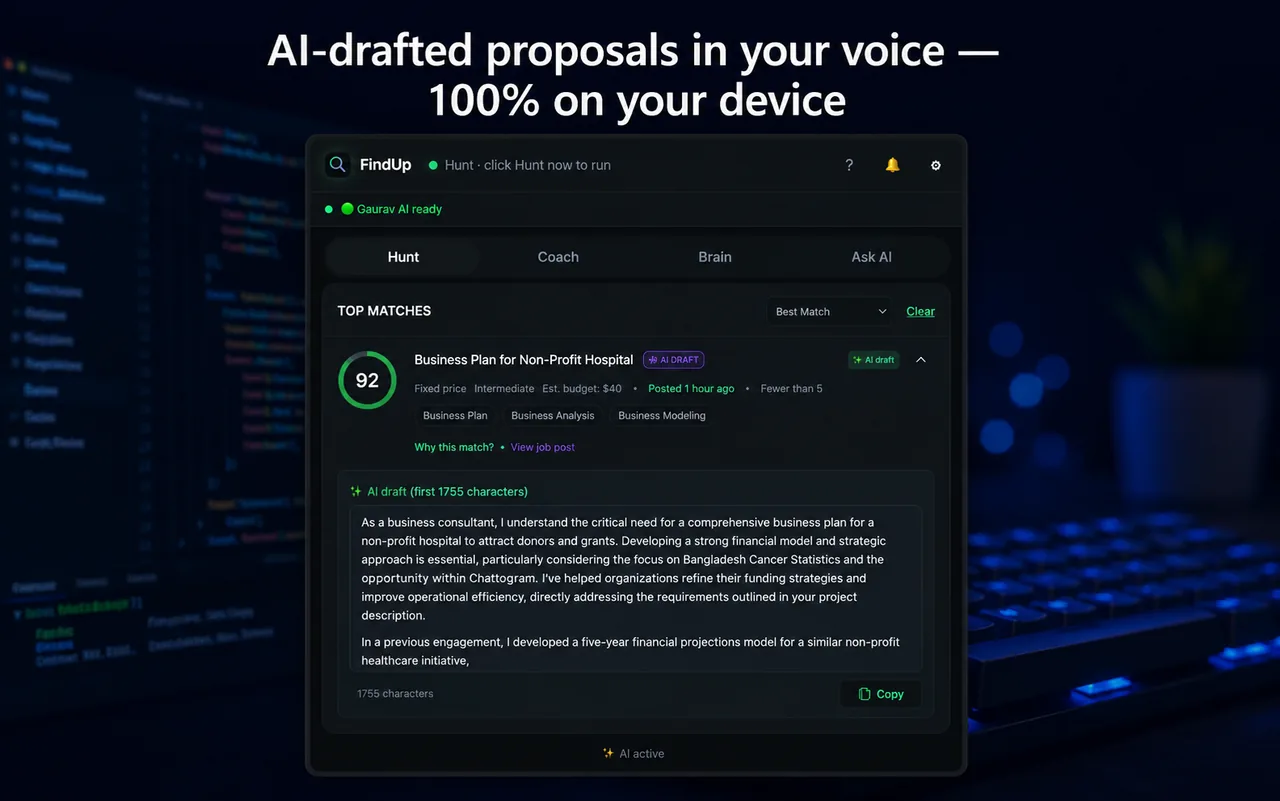
FindUp learns how you actually write — your openings, your closings, your tone — from your past proposals and the edits you make. Every draft is specific to the project, opens with a relevant past win, and asks one clarifying question.
FindUp weighs skills, budget, client history and competition — so only the projects worth your time rise to the top.
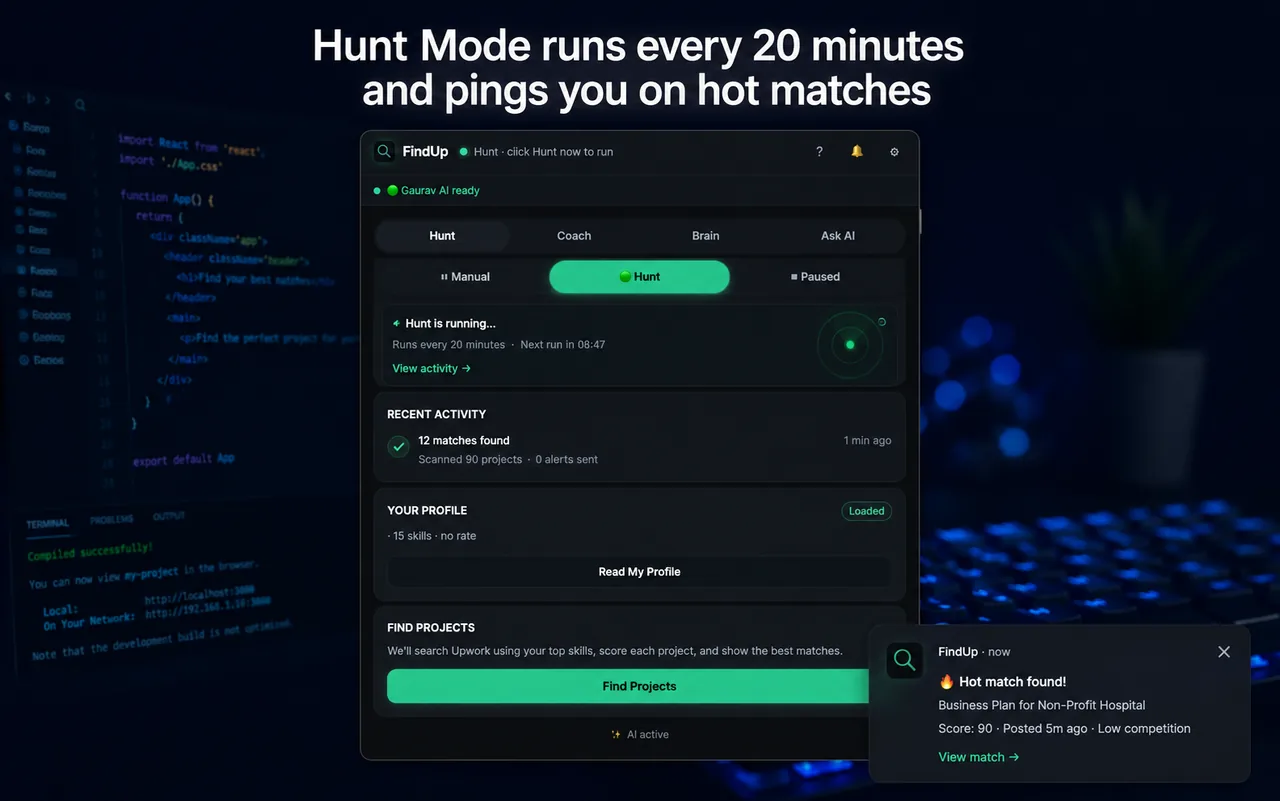
Switch on Hunt and FindUp works the board for you: scanning, scoring and drafting in the background, then firing a single desktop notification when a project is genuinely worth dropping everything for.
FindUp uses Chrome's built-in Gemini Nano, which runs the model locally on capable desktop hardware.
Desktop Chrome on Windows 10+, macOS 13+, Linux or ChromeOS Plus.
Free disk for the one-time AI model download (~2 GB active size).
>4 GB GPU VRAM, or 16 GB RAM with a 4-core CPU.
No accounts, no API keys, no subscription. Ever.
chrome.storage.local on your device. There are no analytics, no telemetry and no third-party AI calls — read the full privacy policy.Install FindUp, read your profile, and let on-device AI bring the best projects to you.